Logo
Home Products Support Contact About Us
arrow1 File Converters
arrow1 TIFF and PDF apps
arrow1 Forensic
arrow1 Freeware

PDF to Unicode Converter

Do you need to integrate PDFs into desktop or server applications? We have a unique solution. It works directly from the command line, so there are no wizards or pesky notifications. Total PDF Converter is a leading software development kit due to its power and versatility.

Transform as much data as you need - there are no limits. Just enter the command for the task and let this PDF to Unicode converter do its job. All of its features are based on simple coding, so they may be easily integrated into your app. This tool is a great time saver. It is also multifaceted - use it as:
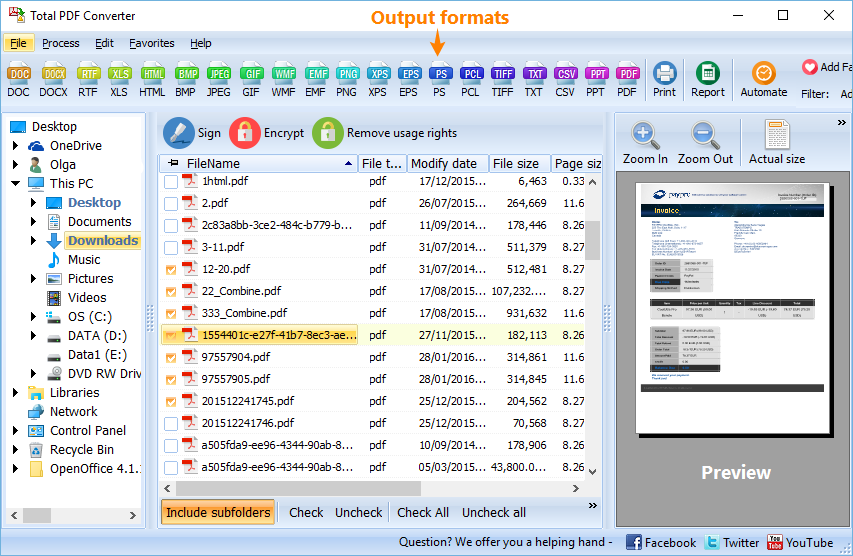
  • A server converter
  • A software development kit for your own apps (desktop and server)
  • A component of another utility.

PDF to Unicode

Quick answer: To convert PDF to Unicode from the command line, install Total PDF Converter, then run pdfconverterx with the source PDF, the destination file, and the optional keys for Unicode output. The same syntax works on a server with no GUI, and the batch function turns hundreds of PDFs into Unicode text in one run during the free trial.

How to Convert PDF to Unicode

This PDF to Unicode converter was designed for use by groups connected to one server. It offers the same functionality as the desktop version, and you can add your own GUI if necessary. This means you will be able to generate over a dozen different formats, from documents to images to spreadsheets: CVS, DOC, DOC text, EPS, HTML, JPEG, PDF/A, PS, RTF, TIFF (including batch conversion), TXT, WMF, XHTML, and XLS.
PDF to Unicode Conversion

So, how does server-based conversion work? We have made it as flexible and efficient as possible. Here are the essentials.
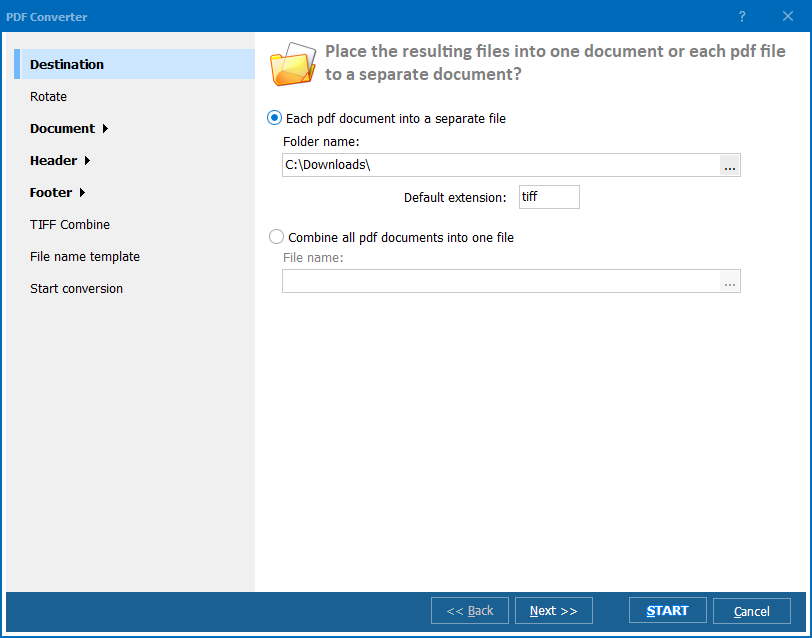
  1. To convert PDF to Unicode or another format, you need to insert the keys into this syntax depending on your needs: pdfconverterx⟨source_file⟩⟨destination_file⟩⟨optional_keys⟩.
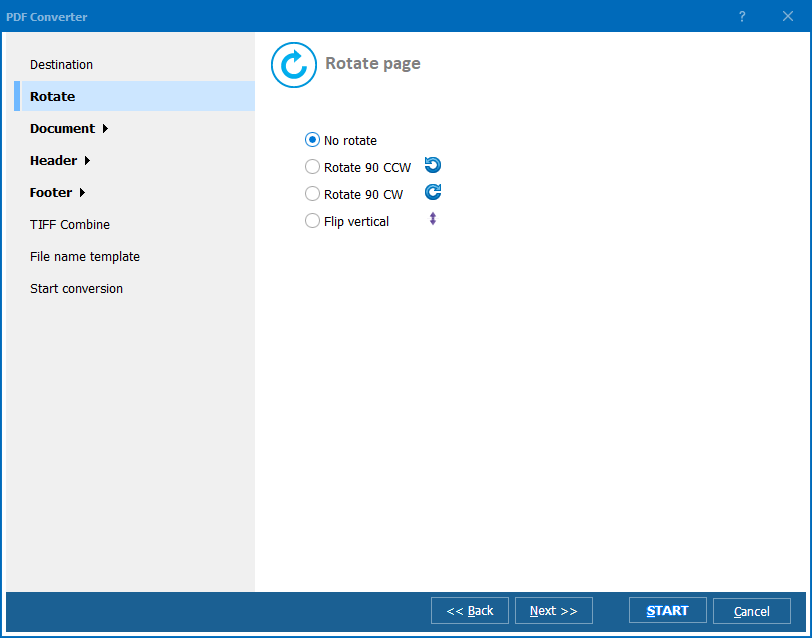
  2. Like any other format, Unicode is associated with a range of options.
  3. You do not have to convert multiple files one by one. Use the batch function to process hundreds of documents at once.

PDF to Unicode converter

Try It For Free!

Using our 30-day trial period, you can convert PDF to Unicode for free. Download it today and transform as many files as you like! This SDK is the most versatile solution. Integrate it into your app and convert your documents within it. Turning PDF into Unicode is a breeze, with or without GUI! Besides, the lifetime license is a bargain!


quote

Total PDF Converter Customer Reviews 2026

Rate It
Rated 4.7/5 based on customer reviews
5 Star

"We embed Total PDF Converter as an SDK inside our own desktop app to convert customer PDFs to Unicode text. The command-line interface meant no wizards or notification popups to suppress — we just call it with our parameters and parse the output. Integration took less than a day."

5 Star Henrik Solberg Software Architect, Document Management Vendor

"Our authors submit PDFs in a dozen languages including Cyrillic and CJK scripts, and we needed reliable Unicode extraction for our translation pipeline. Running it as a server converter with simple command syntax let us process unlimited files without per-document limits, and the encoding comes out correct every time."

5 Star Camille Bertrand Backend Engineer, Multilingual Publishing Platform

"A client needed PDF invoices converted to Unicode text for a custom accounting import, and this tool worked from the command line without any interactive setup. Getting the exact syntax for our SDK-style integration took some trial and error with the documentation, but once scripted it runs unattended every night."

4 Star Owen Fitzgerald IT Consultant, Small Business Services

PDF to Unicode (Command Line) — FAQ ▼

How do I convert PDF to Unicode from the command line?

Install Total PDF Converter, then run pdfconverterx with the source file, the destination file, and the optional keys for Unicode. The command-line converter needs no wizards and works the same on desktop or server.

Can I convert PDF to Unicode in batch?

Yes. Total PDF Converter has a batch function that processes hundreds of documents at once from a single command, so you do not have to convert files one by one.

Can I integrate the converter into my own application?

Yes. Total PDF Converter works as a software development kit. Its features are based on simple coding, so they can be integrated into your own desktop or server apps, with or without a GUI.

Does it run on a server?

Yes. The command-line version was designed for groups connected to one server. It offers the same functionality as the desktop edition, and you can add your own GUI if needed.

What other formats can it produce?

Besides Unicode, Total PDF Converter generates over a dozen formats, including CSV, DOC, EPS, HTML, JPEG, PDF/A, PS, RTF, TIFF, TXT, WMF, XHTML, and XLS, all from the command line.

Is converting PDF to Unicode free?

Total PDF Converter comes with a 30-day free trial, so you can convert PDF to Unicode and transform as many files as you like during the trial before buying a lifetime license.


Start working now!

Download free trial and convert your files in minutes.
No credit card or email required.

⬇ Download Free Trial Windows 7/8/10/11 • 100 MB

Support
PDF Converter Preview1
PDF Converter Preview2
PDF Converter Preview3

Latest News

Newsletter Subscribe

No worries, we don't spam.


© 2026. All rights reserved. CoolUtils File Converters

Cards




