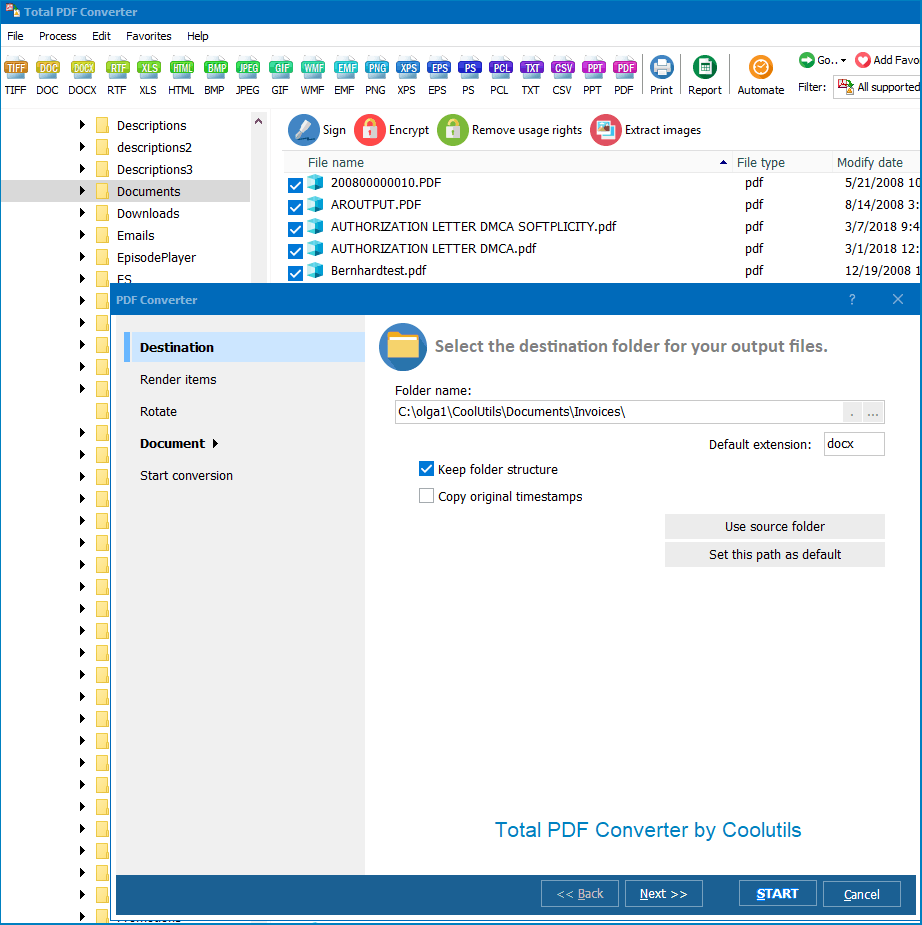
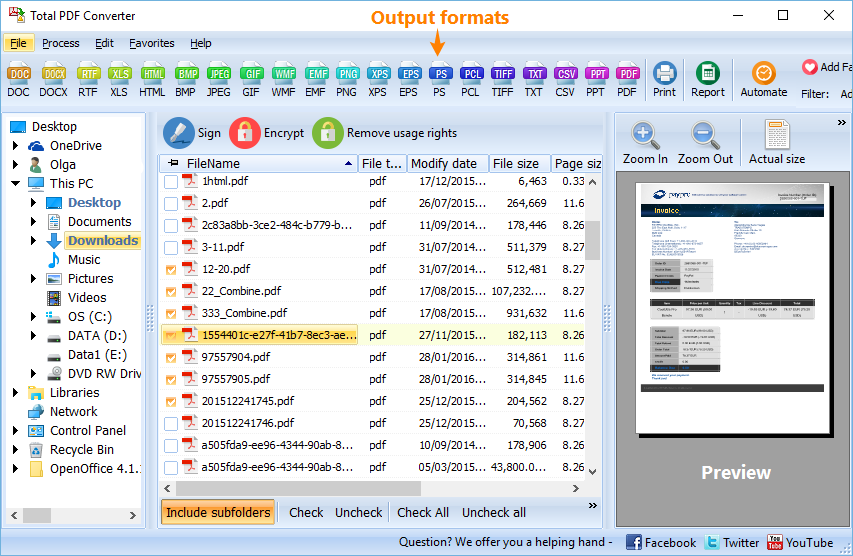
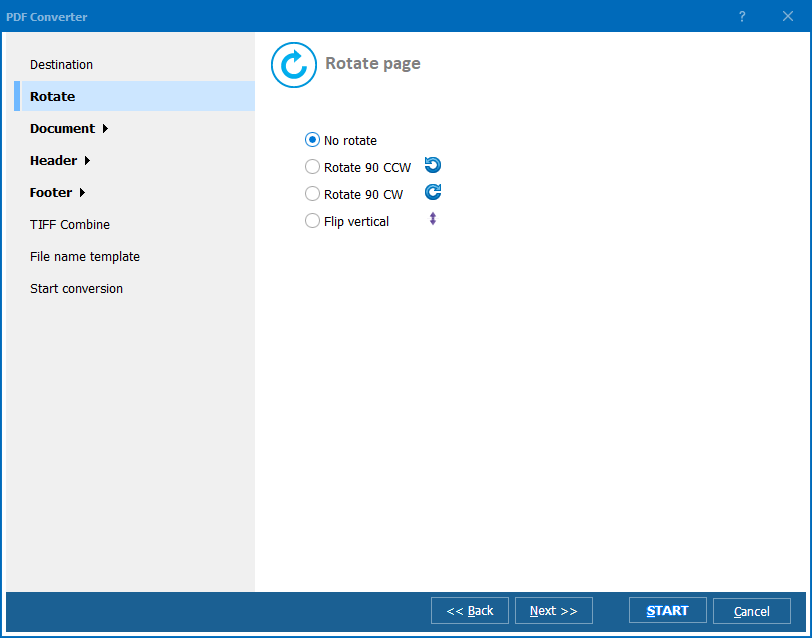
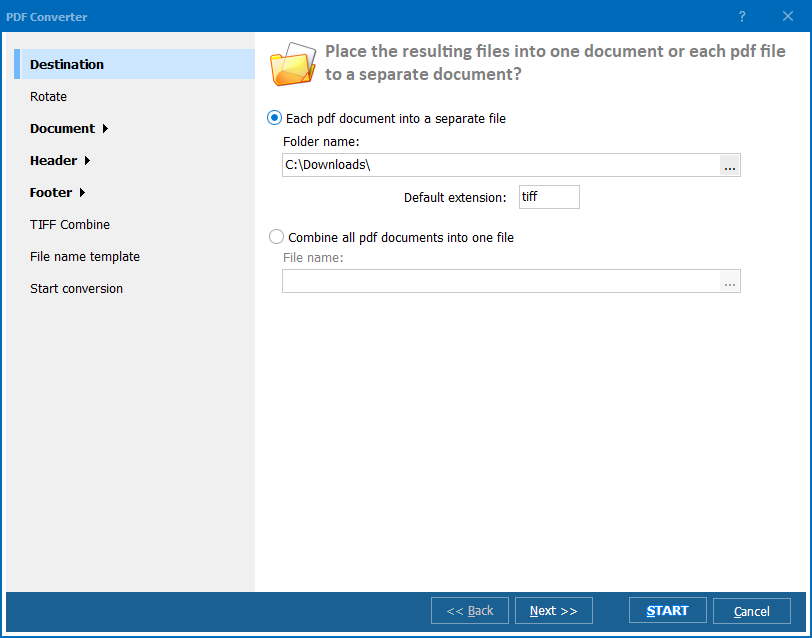
Quick answer: To convert PRN to TIFF, install Total PDF Converter, add your PRN files (several at once), select TIFF as the output format, choose DPI and compression, then press Convert and wait for it to finish. It batch-converts printer spool files into lossless TIFF images offline, with a free 30-day trial.

Now you know how to convert PRN to TIFF. CoolUtils converter is a fast, reliable and easy-to-use program that will help you get the job done in no time. Try it out today! Thanks for choosing CoolUtils
"Our RIP software dumps every job as a PRN spool file, and clients kept asking for a TIFF they could archive. Total PDF Converter batch-converts a full folder of PRN files to TIFF with the DPI and compression settings I need for print records. It turned a two-hour manual chore into a five-minute job."
Harold Simmons Print Production Supervisor, Simmons Commercial Printing
"Engineering drawings were being sent to the printer as PRN files with no easy way to store them long term. Converting the whole batch to TIFF at a fixed resolution gives us a consistent archive format that opens in any image viewer. Running it from the command line means it fits right into our existing backup scripts."
Ingrid Larsen Document Control Officer, Larsen Engineering Group
"We had a backlog of PRN printer spool files from an old billing system that nobody could open anymore. Total PDF Converter converted the entire batch to TIFF overnight with compression settings that kept file sizes manageable. I would like a clearer default DPI recommendation for scanned versus text-only PRN files."
Marcus Delgado IT Coordinator, Delgado Municipal Services
Download free trial and convert your files in minutes.
No credit card or email required.

Related Topics
Total PDF Converter