Logo
Home Products Support Contact About Us
arrow1 File Converters
arrow1 TIFF and PDF apps
arrow1 Forensic
arrow1 Freeware

How to Convert XPS to XLS


File conversion has never been easier: Today, there is a professional toolkit for XPS to XLS migration from CoolUtils. Many office workers experience difficulties when they need to quickly change the file format while keeping the structure of the XLSument the same. Leave your doubts and troubles behind, and learn how to convert XPS to XLS with CoolUtils in just a few seconds!

Quick answer: To convert XPS to XLS, install Total PDF Converter, pick the folder and the XPS files in the left-side menu, select XLS as the output format, then run the conversion to save the spreadsheet. It processes files in batches, works offline with no upload, and the 30-day free trial lets you test it first.

Online Method

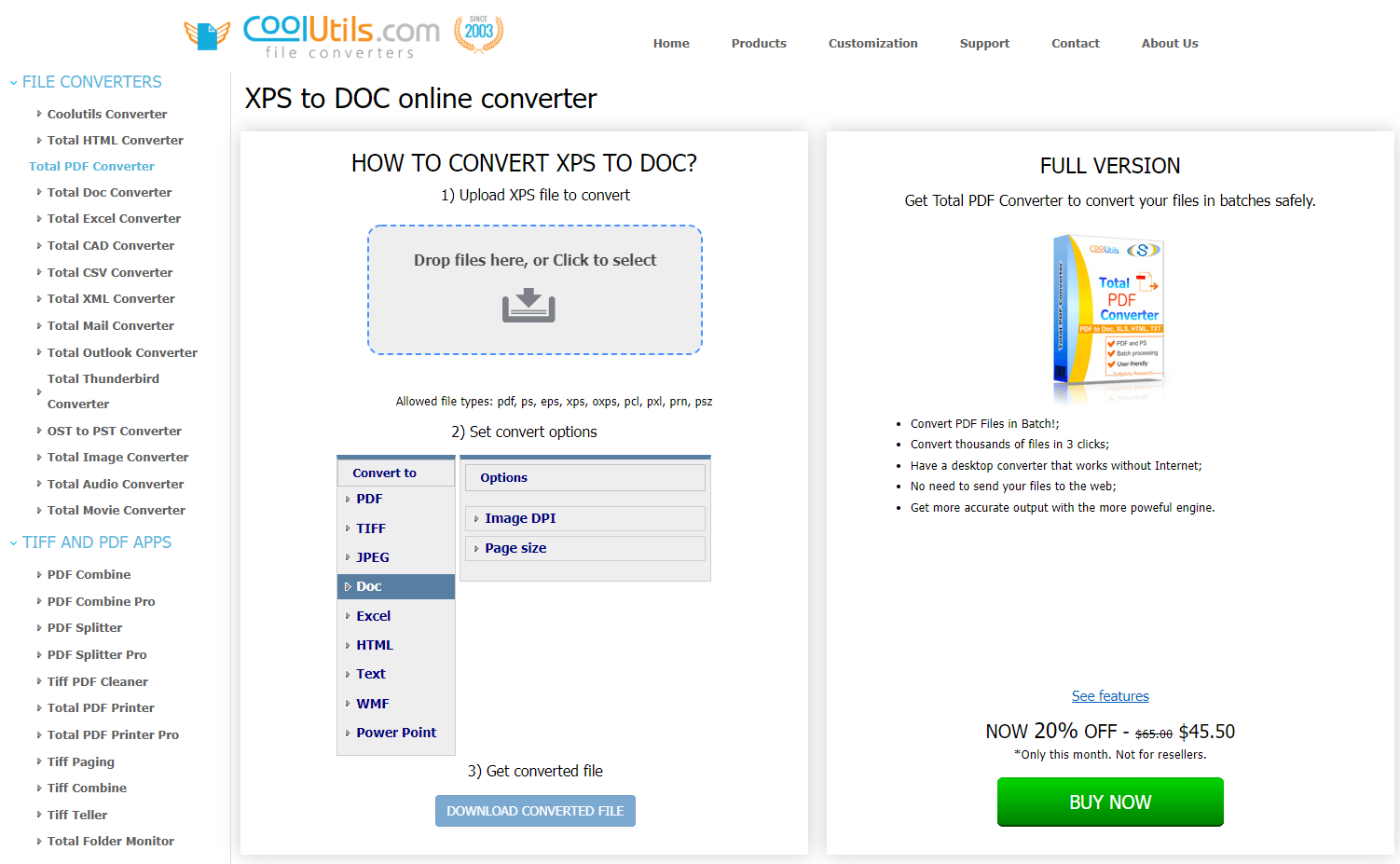
Online conversion is a handy, hassle-free method that you can use to transfer XPS to XLS. This option is suitable for clients who don't work with large volumes of data and just need to perform a one-time conversion. In such a situation, it is simply illogical to install any software on your PC, especially if you are not going to use it again. With such customers in mind, CoolUtils developers have introduced a convenient XPS to XLS converter. So, to convert XPS to XLS online, take the following steps:
  1. Open the CoolUtils XPS to XLS converter webpage;
  2. Upload the XPS file to convert (just drop it in the corresponding field or click to select);
  3. Choose the conversion format from the list;
  4. Download the converted file.

online pdf converter

Yes, that's how easy it can be! No registration, no verification, no captcha - all you need to do is take these 4 simple steps. The online method works fine until you require professional software for bulk data conversion. In such a case, we recommend you consider installing the full desktop version.

How to convert XPS to XLS with our offline software

If you work with large volumes of data or provide these types of services to other people, you should definitely install the full version. XPS to XLS offline converter works under the same principles as the online analog, allowing you to process files in batches (up to thousands of files in just a few clicks). The main advantage of this program is that it works without an internet connection, so you don't need to send your files to the web. In terms of security, this is a 100% safer option, especially if you are hoping to convert vulnerable data. So, to get the job done, follow the below instructions:

download XPS converter
  • Install the CoolUtils XPS to XLS converter on your PC;
  • Launch the program;
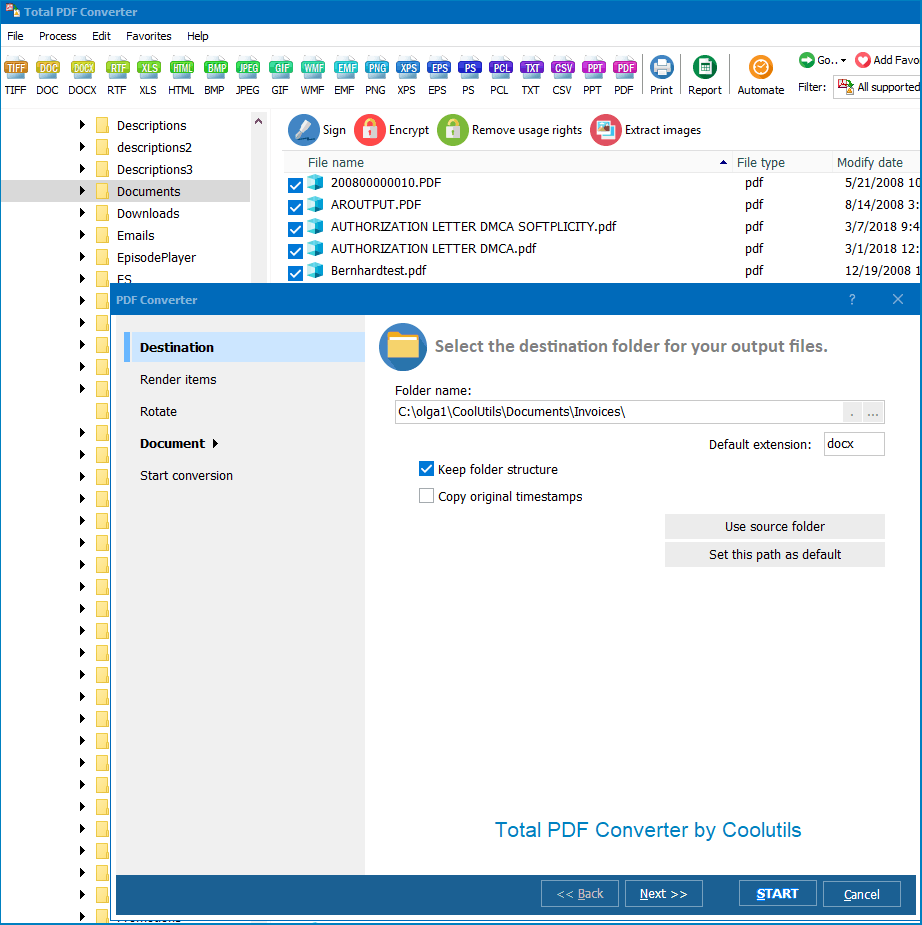
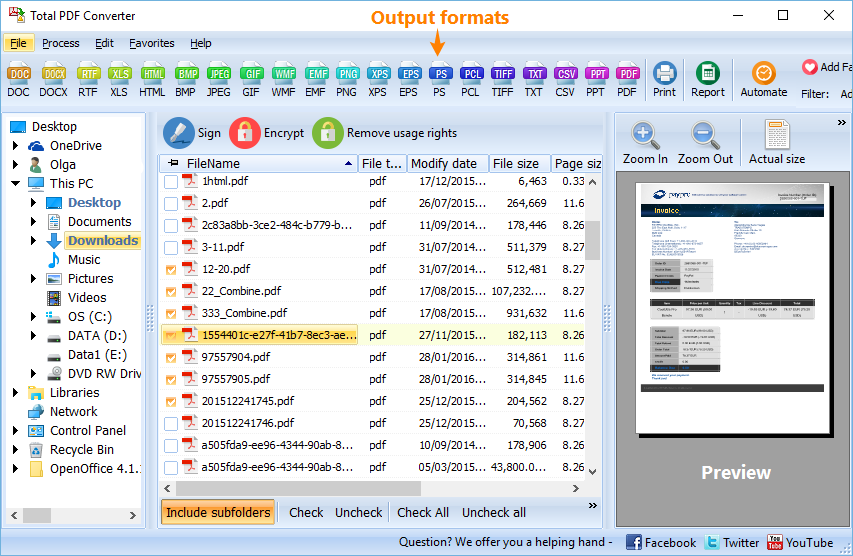
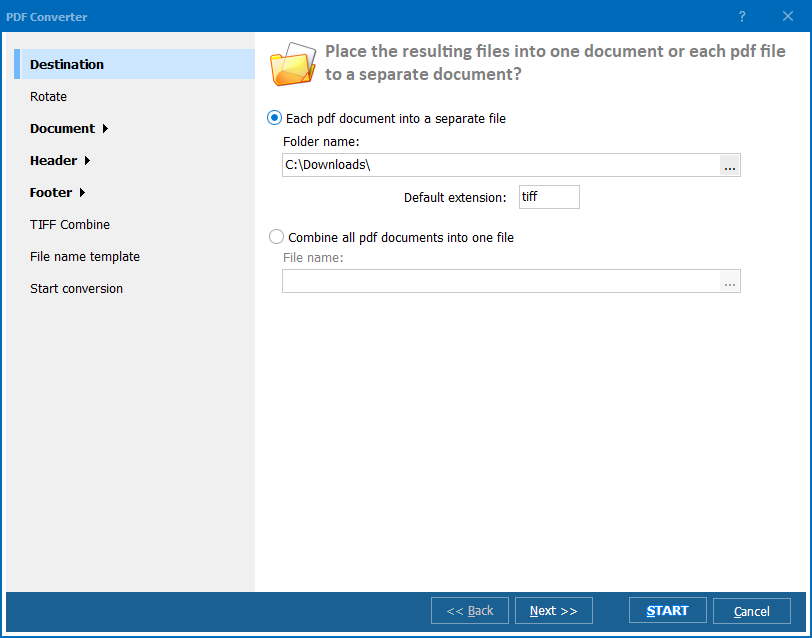
  • In the left-side menu, choose the folder and the corresponding file/files for conversion;
  • Select the appropriate conversion format from the list;
  • Download the converted file/files.
pdf converter

You are not required to purchase the license immediately after installing the program. There is a 30-day free trial period that you can use to familiarize yourself with the software and decide if it meets your expectations. Take your time and enjoy hassle-free file conversion.


quote

Total PDF Converter Customer Reviews 2026

Rate It
Rated 4.7/5 based on customer reviews
5 Star

"Our warehouse system exports stock reports as XPS, but the accounting team needed everything in XLS for their monthly reconciliation. Total PDF Converter pulled the data into spreadsheets across the whole batch of reports, and the numbers landed in usable columns instead of one solid block of text."

4 Star Franklin Osei Inventory Control Manager, Osei Distribution Warehouse

"Monthly billing summaries came out of our system as XPS files, and turning a whole month's worth into XLS spreadsheets for the finance office used to take an entire afternoon. Total PDF Converter processed the batch offline with no upload required, which mattered given the patient billing data involved."

5 Star Vivian Castellanos Billing Coordinator, Castellanos Medical Group

"Supplier quotes arrived as XPS documents that needed to become XLS files so we could compare pricing side by side. Selecting the folder and running the conversion pulled every quote into a spreadsheet in one batch, and the 30-day trial let me verify the formatting held up before committing to a license."

5 Star Aleksander Novak Procurement Specialist, Novak Industrial Supply

XPS to XLS — FAQ ▼

How do I convert XPS to XLS?

Install Total PDF Converter, open the folder with your XPS files in the left-side menu, tick the files, select XLS as the output format, then run the conversion. The result is an editable spreadsheet you can open in Excel.

Can I convert XPS to XLS in batch?

Yes. The desktop version of Total PDF Converter processes files in batches, up to thousands of XPS files in just a few clicks, which the one-by-one online tool cannot match.

Is there a free way to convert XPS to XLS?

Total PDF Converter comes with a 30-day free trial that is fully functional. You can also use the free CoolUtils online converter for a quick one-time XPS to XLS conversion.

What is the difference between the online and desktop XPS to XLS converter?

The online converter is handy for a single file and needs no installation. The desktop version handles large volumes, works offline with no upload, and is the safer choice for sensitive data.

Does converting XPS to XLS keep the table structure?

Total PDF Converter is built to preserve the document structure during conversion, so the rows and columns from the XPS file carry over into the XLS spreadsheet.

Can I convert XPS to XLS from the command line?

Yes. Total PDF Converter includes a command-line option, so you can automate XPS to XLS conversions inside scripts or scheduled tasks.


Start working now!

Download free trial and convert your files in minutes.
No credit card or email required.

⬇ Download Free Trial Windows 7/8/10/11 • 94 MB

Support
PDF Converter Preview1
PDF Converter Preview2
PDF Converter Preview3

Latest News

Newsletter Subscribe

No worries, we don't spam.


© 2026. All rights reserved. CoolUtils File Converters

Cards